


MetaMask Wallet Extension: A Complete Guide for Beginners
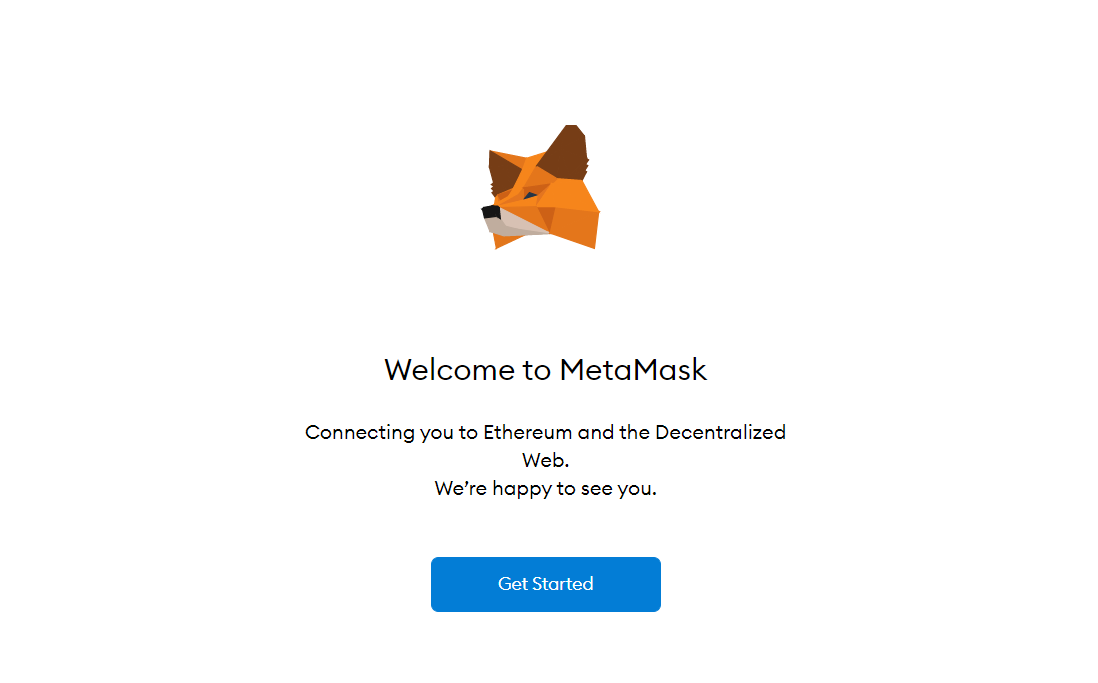
The MetaMask wallet extension is one of the most popular tools for managing cryptocurrencies and interacting with decentralized applications (dApps). Designed as a browser extension, it allows users to store, send, and receive digital assets while seamlessly connecting to blockchain-based platforms.
What is MetaMask Wallet Extension?
MetaMask is a crypto wallet that works as a browser extension for Chrome, Firefox, Edge, and Brave. It acts as a bridge between your browser and the Ethereum blockchain, enabling secure access to your funds and decentralized apps without running a full node.
With its user-friendly interface, MetaMask has become a go-to choice for both beginners and experienced crypto users.
Key Features of MetaMask Wallet Extension
- Secure Wallet Storage: Safely store Ethereum and ERC-20 tokens.
- Easy Transactions: Send and receive cryptocurrencies quickly.
- dApp Integration: Connect directly to decentralized apps like DeFi platforms and NFT marketplaces.
- Private Key Control: You have full control over your keys and funds.
- Multi-Network Support: Supports Ethereum mainnet and other networks like Binance Smart Chain and Polygon.
How to Install MetaMask Wallet Extension
- Visit the official MetaMask website.
- Choose your browser (Chrome, Firefox, Edge, or Brave).
- Click on “Add Extension.”
- Once installed, click the MetaMask icon in your browser.
- Create a new wallet or import an existing one using your secret recovery phrase.
How to Use MetaMask Wallet Extension
After installation, using MetaMask is simple:
- Create Wallet: Set a strong password and save your recovery phrase securely.
- Add Funds: Transfer ETH or tokens from another wallet or exchange.
- Connect to dApps: Click “Connect Wallet” on supported websites.
- Make Transactions: Approve or reject transactions directly from the extension.
Benefits of Using MetaMask
- Convenience: Access your wallet anytime through your browser.
- Decentralization: No third-party control over your funds.
- Compatibility: Works with thousands of blockchain applications.
- Free to Use: No installation cost (network fees still apply).
Safety Tips for MetaMask Users
- Never share your secret recovery phrase.
- Always download the extension from the official website.
- Use a strong, unique password.
- Enable hardware wallet integration for extra security.
- Beware of phishing websites and fake extensions.
Common Issues and Solutions
- Extension Not Loading: Refresh your browser or reinstall the extension.
- Transaction Pending: Check gas fees and network congestion.
- Wrong Network: Ensure you are connected to the correct blockchain.
Conclusion
The MetaMask wallet extension is an essential tool for anyone looking to explore the world of cryptocurrency and decentralized applications. With its ease of use, strong security features, and wide compatibility, it continues to be a leading choice for managing digital assets. Whether you're trading tokens, collecting NFTs, or using DeFi platforms, MetaMask provides a reliable and efficient gateway to the blockchain ecosystem.

 English
 French
 Spanish
 Portuguese
 Deutsch
 Turkish
 Dutch
Dutch
 Italiano
 Russian
 Romaian
 Portuguese (Brazil)
 Greek
Greek