


No-Fluff UTC ⇌ EST Guide That Actually Helps You in 2026
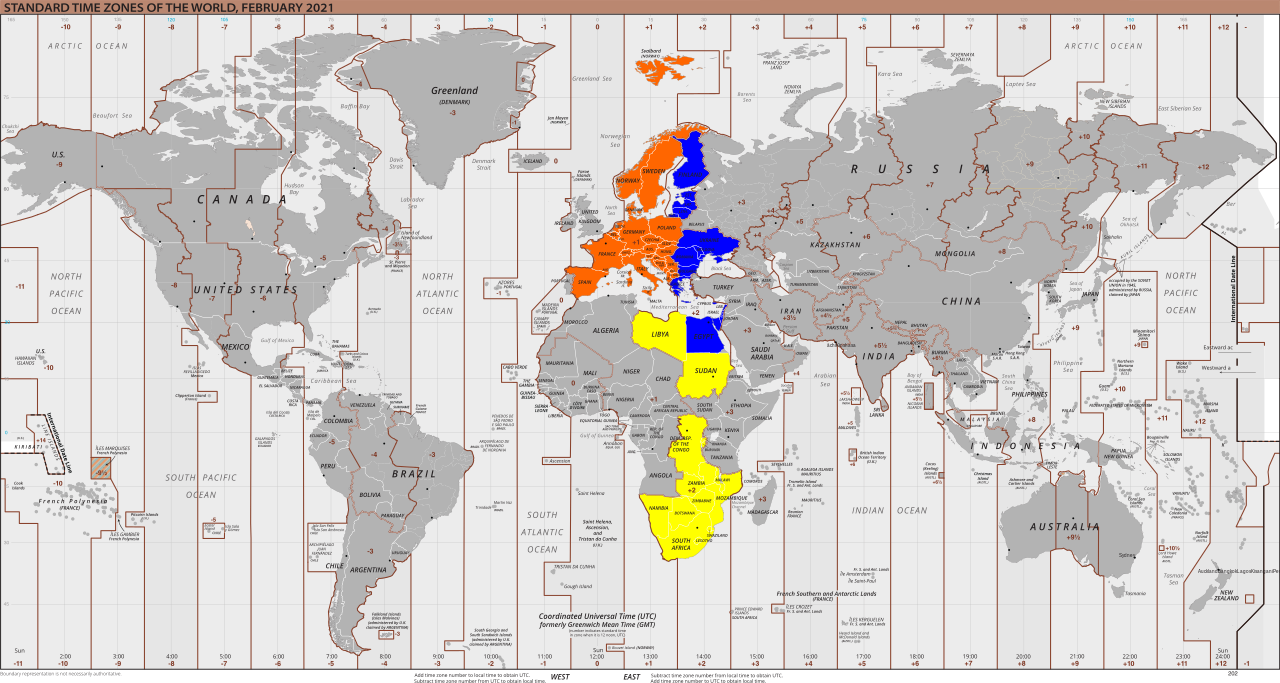
It’s February 24 2026, a little after 4:20 pm here in Karachi. That means New York, Boston, Toronto, and Miami are at roughly 11:20 am Eastern Standard Time. Five hours apart. Feels normal today.
UTC ⇌ EST
In ten days—March 8 at 2:00 am local Eastern time—the clocks jump forward to 3:00 am. Eastern Daylight Time begins. The difference drops to four hours. That same 11:20 am EST moment becomes 12:20 pm EDT. One hour later in their day. One hour less margin for you.
That single hour is the reason people keep sending apologetic follow-ups, rescheduling entire calls, and quietly losing a little credibility with distributed teams.
Remote work hasn’t evaporated. The share of US workers doing at least some remote days has stabilized around 20–24% in recent years. That still means roughly 32–36 million people regularly dealing with time zones in 2026. When that many humans are spread out, the difference between “this guy gets it” and “this guy makes me rearrange my morning” is often just whether someone checked the offset properly.
The Two Offsets – And Why Pretending There’s Only One Hurts
Eastern Time has two faces:
- EST (Eastern Standard Time) UTC − 5 hours Right now through March 7 2026 (and again after November 1 2026) Practical examples from Karachi evening: • 1300 UTC = 8:00 am EST • 1500 UTC = 10:00 am EST • 1700 UTC = 12:00 pm EST • 2000 UTC = 3:00 pm EST • 2200 UTC = 5:00 pm EST
- EDT (Eastern Daylight Time) UTC − 4 hours March 8 2026 through October 31 2026 Same UTC times shifted one hour later in their local day: • 1300 UTC = 9:00 am EDT • 1500 UTC = 11:00 am EDT • 1700 UTC = 1:00 pm EDT • 2000 UTC = 4:00 pm EDT • 2200 UTC = 6:00 pm EDT
Switch dates (locked in for 2026): • March 8: 2:00 am EST → 3:00 am EDT (spring forward) • November 1: 2:00 am EDT → 1:00 am EST (fall back)
No permanent-time law has passed yet. Bills exist. Debates continue. Nothing changed the rules. Plan for two offsets or pay the price twice a year.
The Converters I Actually Rely On (No Hype, Just What Works)
World Time Buddy The one I open most days. Drag the timeline, watch hours highlight instantly. Background tint changes when DST starts → you see the four-hour gap without thinking. Free tier covers 95% of needs. Pro (cheap) saves city groups → my Karachi + New York combo loads in one click. Sharing the link eliminates almost every “wait what time is that for you?” reply.
timeanddate.com The one I trust when the meeting carries weight. Pick any date in 2026 → it automatically knows EST vs EDT on that exact day. Meeting planner shows clean overlapping blocks across cities. Free. No login. No ads. This is what I use for client calls, investor updates, contracts, anything where an hour mistake would be embarrassing.
Savvy Time Fastest on mobile. Big current offset display (−5 h today), daylight-saving dates highlighted inline (March 8 & November 1), quick nearby-hour table. No sign-up. Loads in a blink. Free forever. My default when I’m outside and need to answer fast.
24timezones.com Best free multi-person slot finder. Add UTC + Eastern + others → highlights windows with fewest conflicts and correct offset. Clean interface. Underrated when coordinating 4+ people.
FreeConvert.com Two columns. Pick date. Done. Proper DST handling. No bloat. My “am I about to send something dumb?” safety net.
The Five Mistakes That Keep Happening (and How to Stop Them Cold)
- Treating Eastern as always −5 h → You force East Coast people to join 1 hour late in summer or 1 hour early in winter. Both feel careless.
- Using a converter that doesn’t auto-adjust for DST → Wrong answer March through October.
- Proposing times exactly on March 8 or November 1 without verifying → The 2:00 am local switch creates strange edge cases.
- Selecting a random “Eastern” city → Some locations (rarely) don’t observe daylight saving. Use New York, Toronto, or Miami as anchors.
- Ignoring US federal holidays → MLK Day, Presidents’ Day, Memorial Day, Juneteenth, Independence Day, Labor Day, Thanksgiving… Your Karachi calendar doesn’t show them. Half the team is offline and you didn’t notice.
The Four-Step Routine That Actually Sticks
- Add two recurring all-day calendar events every year: • March 8 → “DST spring forward – check ALL US East Coast times” • November 1 → “DST fall back – check ALL US East Coast times”
- When suggesting a time, always include both versions in the same message: “How about 1600 UTC / 11:00 am EST (current) or 12:00 pm EDT (after March 8)?”
- Before sending any new invite → open World Time Buddy or timeanddate.com for 8 seconds.
- For recurring calls → save the city group once → it auto-corrects every week.
That tiny routine has dropped my timezone-related reschedules from 2–4 per month to zero most months. The real win isn’t the saved minutes. It’s never again being the reason someone has to rearrange their kid’s school drop-off or doctor appointment.
The Edges Most People Miss
- Transition weeks (first week of March / last week of October) → open two converters side-by-side for 10 seconds to catch display quirks
- Use planners that flag US federal holidays → prevents booking over days that are invisible on your calendar
- Enable mobile reminders showing your local time next to their Eastern time → stops you joining what feels like 4 am your time
- Save multiple presets (client team A, internal team, investor group) → switching takes two clicks instead of rebuilding
- When in doubt → share a World Time Buddy link instead of typing times → removes all interpretation risk
The 2026 Outlook (Realistic Version)
Calendar apps and scheduling tools are slowly getting better at native cross-zone awareness and DST flags. Some already auto-suggest adjusted slots when you invite people in different time zones. But near transitions they still trip. Edge cases still confuse them. Dedicated converters remain cleaner and more reliable for now.
Pick one visual tool (World Time Buddy) and one precision tool (timeanddate.com). Make them default habits. Timezone friction drops off a cliff.
I’ve felt my own days get noticeably calmer. The teams I work with stay more in rhythm. All from treating one boring detail seriously.
Next time you’re about to send a meeting time: Pause. Open one tool for eight seconds. Send both versions. Watch how much quieter and more professional the thread stays.
You’ll feel the difference within days. Once you feel it, you won’t go back.

 English
 Arabic
 French
 Spanish
 Portuguese
 Deutsch
 Turkish
 Dutch
Dutch
 Russian
 Romaian
 Portuguese (Brazil)
 Greek
Greek