


Error Hotmail.ost Cannot Be Accessed | Common Reason Fixes
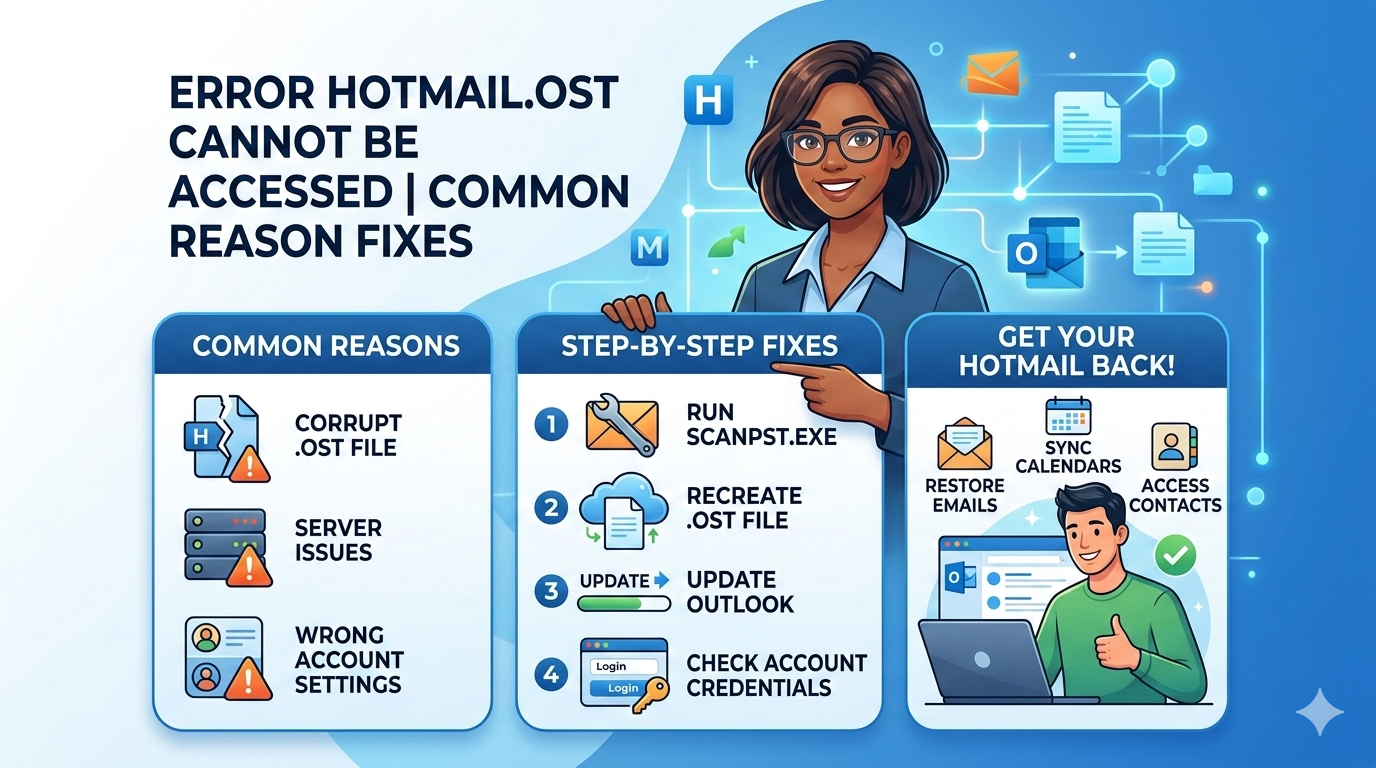
The OST file is one of the best options for users at the organizational level who can't rely on just one type of environment. When you use Microsoft Outlook with Exchange Server, it operates as a client-server system. Also, when you need to work offline, a cache copy of the mailbox is made to keep the business going.
Outlook makes two data files, and OST is one of them. When a client is working alone, the default data file that is made is called PST, or the Personal Storage Table. At the same time, OST is created when the cache mode is turned on during account setup.
But the case of generating an OST file is not limited to Exchange Server. When you use an Exchange account, whatever is sent through it first goes to the server mailbox. As soon as the mailbox and the cache copy sync, a copy of it is saved in the OST.
Briefing on Hotmail.ost When you set up Outlook Connector for Outlook.com, which is the new name for Hotmail, it also makes OST files. The best aspect is that offline data files are copies of the mail server data, so they don't need to be backed up for business continuity. What is in them is also on the server and vice versa.
Hotmail OST Problems That Happen Often
When there is a connection, things tend to go wrong or break. One of the scenarios below talks about a Windows 7 computer that is set up with Outlook 2007 and uses Outlook Connector.
At first, the connection works well, and everything is in sync. But when something changes, the following error occurs:
Results and Commonly Used Hacks
If you change the names of folders or make changes to the account name, Outlook may stop working with Hotmail and show the error message. It might not work to delete and recreate the profile, change the name, or change the compatibility, but the two alternatives that are most likely to work are:
Renaming and resynchronizing: In certain circumstances, renaming the existing OST file and then trying to synchronize it back works. This is like making a fresh copy of the OST file, which in a way resets the sync between Hotmail and the file.
Using the Scanpst Utility: If Outlook keeps making an OST file, it will have to realize that the OST file is made automatically at first, which is what causes the problem we talked about. Use the Inbox Repair tool that comes with Outlook to fix the file. It works with both PST and OST files. After that, change the file's extension from BAK to OST to use the .bak file that was made for the OST. Open Outlook and see if the sync works.
Observation and Conclusion: The problem we talked about is either caused by a technical fault or by repeatedly recreating the OST file. So, the suggested remedies are good for fixing the problem and making things better. If not, you can choose the direct method of converting OST to PST offline with GainTools OST to PST Converter.

 English
 Arabic
 French
 Spanish
 Portuguese
 Deutsch
 Turkish
 Dutch
Dutch
 Italiano
 Russian
 Romaian
 Greek
Greek