


How to Fix the Dragon Naturally Speaking Add-In Not Working in Microsoft Word
Introduction
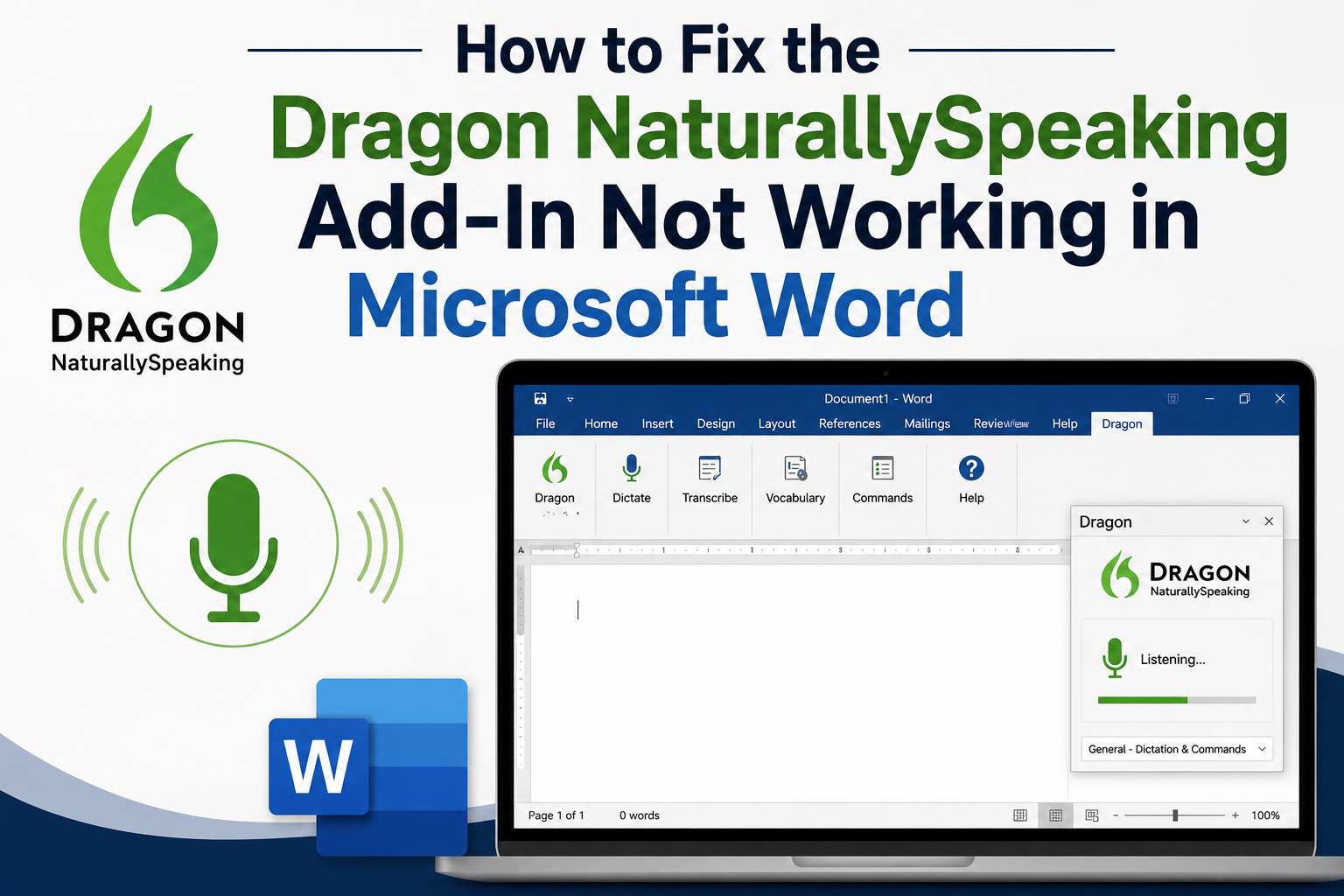
Dragon Naturally Speaking is a leading speech recognition solution that allows users to create documents, emails, and reports using voice commands. One of its most valuable features is its integration with Microsoft Word through the Dragon Add-In. However, some users may encounter situations where the add-in stops working, disappears from Word, or fails to respond to voice commands. Fortunately, most of these issues can be resolved with a few troubleshooting steps.
Common Reasons Why the Dragon Add-In Stops Working
Several factors dragon dictation not working in word can prevent the Dragon Add-In from functioning correctly in Microsoft Word. The most common causes include:
- The add-in has been disabled by Microsoft Word.
- Compatibility issues between Dragon and Microsoft Office.
- Corrupted installation files.
- Insufficient user permissions.
- Outdated versions of Dragon or Microsoft Office.
Identifying the root cause is the first step toward restoring full functionality.
Check Whether the Dragon Add-In Is Disabled
Microsoft Word may automatically disable add-ins that it believes are affecting performance. To verify whether the Dragon Add-In has been disabled:
- Open Microsoft Word.
- Select File > Options > Add-ins.
- Choose Disabled Items from the Manage drop-down menu.
- Click Go and look for the Dragon Add-In.
- If it appears in the list, enable it and restart Word.
This simple step resolves many add-in-related issues.
Enable the Dragon COM Add-In
If the add-in is not disabled but still not functioning, check whether the COM Add-In is active.
- Open File > Options > Add-ins.
- Select COM Add-ins from the Manage menu.
- Click Go.
- Ensure the Dragon NaturallySpeaking Add-In is checked.
- Restart Microsoft Word.
Once enabled, Dragon should reconnect with Word and restore dictation features.
Verify Software Compatibility
Not all versions of Dragon Naturally Speaking are compatible with every version of Microsoft Office. If you recently upgraded Office or Dragon, compatibility issues may prevent proper integration.
Review the compatibility requirements for your Dragon version and ensure it supports your installed edition of Microsoft Word. Updating either application may resolve the problem.
Repair the Dragon Installation
Corrupted files can cause the add-in to malfunction. Running a repair installation often restores missing or damaged components.
- Open the Windows Control Panel.
- Navigate to Programs and Features.
- Select Dragon NaturallySpeaking.
- Choose the Repair option.
- Restart your computer after the process is complete.
This can often restore the add-in without requiring a complete reinstallation.
Run Applications with Proper Permissions
Dragon and Microsoft Word should generally run under the same user privilege level. Launch Dragon first, then open Microsoft Word. Running one application as an administrator while the other runs normally can sometimes prevent communication between the programs.
Conclusion
When the Dragon Naturally Speaking Add-In stops working in Microsoft Word, the issue is usually related to disabled add-ins, software compatibility, installation problems, or permission settings. By checking Word’s add-in configuration, verifying compatibility, repairing the Dragon installation, and ensuring both programs run correctly, most users can quickly restore full voice dictation functionality. With the add-in working properly, Dragon can once again help improve productivity, accuracy, and efficiency in Microsoft Word.
Tags: #dragonnaturallyspeakingaddinnotworking, #dragonaddinfor microsoftword, #dragonnaturallyspeakingwordintegration,
#dragonspeechrecognitionmicrosoftword, #enabledragonaddinword,
#dragondictationnotworkinginword

 English
 Arabic
 French
 Portuguese
 Deutsch
 Turkish
 Dutch
Dutch
 Italiano
 Russian
 Romaian
 Portuguese (Brazil)
 Greek
Greek