


Vector vs Raster: Which One Works Best for Embroidery?
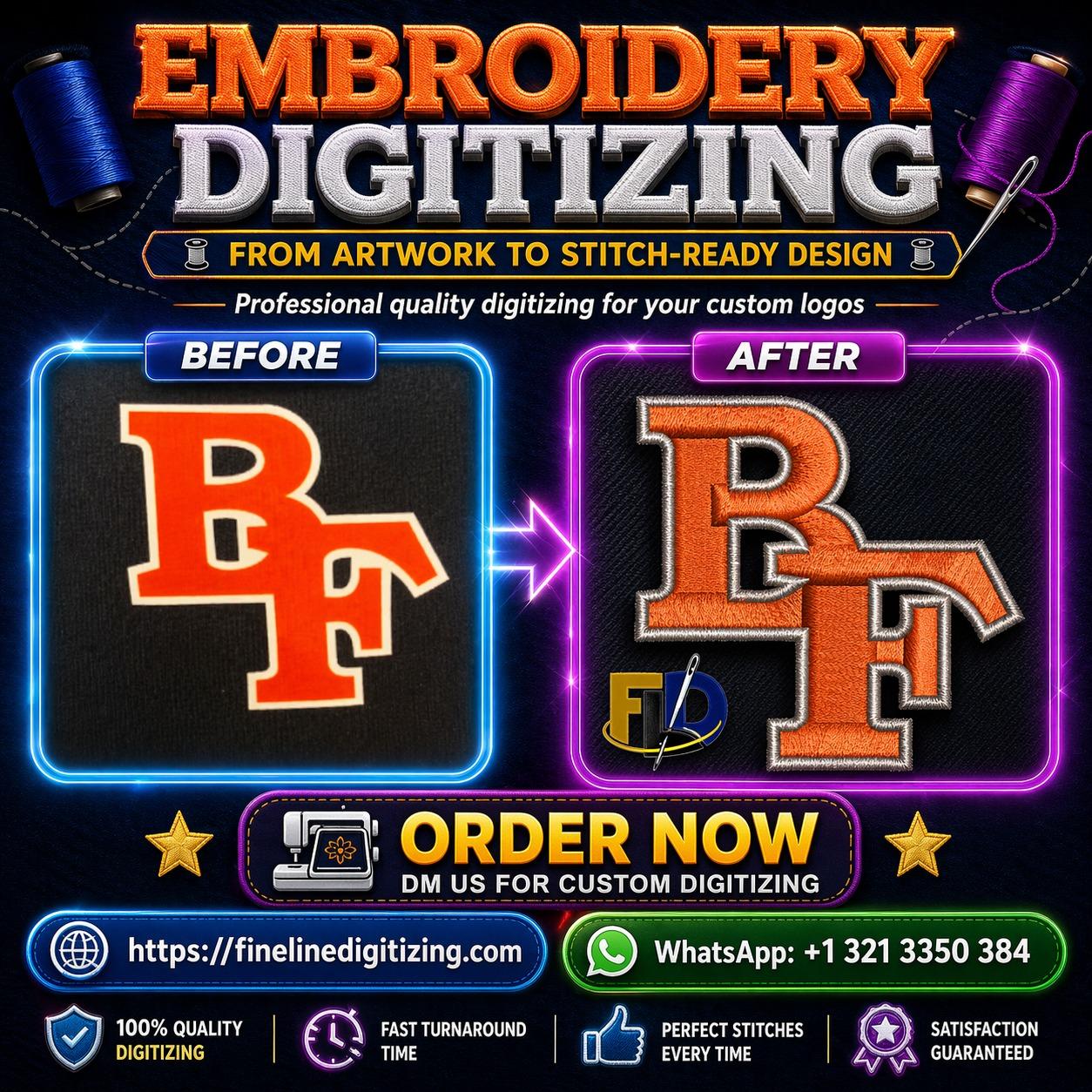
When preparing artwork for embroidery, choosing the right file format can save time, improve stitch quality, and reduce production problems. Many customers send logos without knowing whether the artwork is suitable for digitizing. That's why understanding vector vs raster for embroidery is important before starting any embroidery project. Whether you own an embroidery shop or simply want custom apparel in the USA, knowing the difference helps you get better results.
The discussion around vector vs raster for embroidery often comes down to image quality and editing flexibility. While both file types have their place, one is usually a better choice for embroidery digitizing. In this guide, you'll learn how vector and raster files work, their strengths, their weaknesses, and which format gives the best embroidery results.
Understand Vector vs Raster for Embroidery Before Sending Artwork
Embroidery machines cannot read ordinary image files directly. Every logo or design must first be digitized into stitch instructions.
Before that process begins, the artwork quality matters. A clean file allows the digitizer to create accurate stitch paths. On the other hand, blurry or low-quality images require extra editing before digitizing can even start.
This is why understanding vector vs raster for embroidery helps businesses avoid delays and produce cleaner embroidery.
Choose a Vector File for Digitizing to Get Better Results
A vector file for digitizing is created using mathematical paths rather than pixels. Because of this, it can be resized without losing quality.
Common vector formats include:
- AI
- EPS
- SVG
- PDF (vector version)
Professional digitizers usually prefer vector artwork because every line remains sharp regardless of size.
For example, if a company logo needs to be embroidered on both a cap and a jacket, a vector file can be scaled easily while maintaining clean edges.
Understand Raster Image Quality Before Digitizing
Unlike vectors, raster images are built from thousands of tiny pixels.
Common raster formats include:
- JPG
- PNG
- BMP
- TIFF
The biggest issue with raster image quality appears when images are enlarged. As the size increases, pixels become visible and edges lose their sharpness.
I once received a small JPG logo from a customer who wanted a large embroidered back design. The image looked fine on a phone screen, but once enlarged, the logo became blurry. It had to be redrawn before digitizing could begin.
Select the Best Artwork Format for Embroidery
Choosing the best artwork format for embroidery makes the entire production process easier.
Vector artwork provides several advantages:
- Sharp edges
- Easy resizing
- Cleaner logo details
- Faster editing
- Better stitch accuracy
Raster images can still be digitized. However, they often require additional artwork preparation before the digitizer starts creating stitch files.
For that reason, embroidery companies usually request vector artwork whenever possible.
Pick the Best Artwork Type for Digitizing Based on Your Logo
The best artwork type for digitizing depends on the quality of your original design.
If your logo already exists as an AI or EPS file, that version should always be submitted.
However, if only a high-quality PNG or JPG is available, the digitizer may first need to clean or redraw the artwork before digitizing begins.
Submitting the highest-quality artwork saves both time and editing costs.
Discover Vector File Benefits for Embroidery
There are many vector file benefits for embroidery that make production more efficient.
These include:
- Sharp outlines
- Smooth curves
- Easy color separation
- Better scaling
- Cleaner lettering
Additionally, vector artwork allows digitizers to zoom into even the smallest details without losing image clarity.
That extra precision often results in better embroidery quality, especially for company logos and fine lettering.
Avoid Raster Image Problems in Digitizing
Several raster image problems in digitizing can affect the final embroidery.
These problems include:
- Blurry edges
- Pixelation
- Missing details
- Difficult color separation
- Extra artwork cleanup
Consequently, digitizers may spend additional time rebuilding the artwork before digitizing the design.
Although good-quality raster images can still work, poor-quality images usually increase production time.
Compare AI EPS vs JPG for Embroidery
One of the most common questions is AI EPS vs JPG for embroidery.
Here's a simple comparison:
| AI / EPS | JPG |
|---|---|
| Vector format | Raster format |
| Unlimited resizing | Quality decreases when enlarged |
| Easy editing | Limited editing |
| Preferred by digitizers | May require cleanup |
| Best for logos | Better for photos |
In most situations, AI and EPS files provide a smoother workflow for embroidery production.
Submit High Resolution Artwork for Embroidery
Sometimes customers only have raster artwork available. In that case, sending high resolution artwork for embroidery is the next best option.
Higher resolution images contain more detail, making it easier for digitizers to recreate the design accurately.
Although high resolution does not replace vector artwork, it often reduces editing work before digitizing starts.
Convert Raster to Vector for Embroidery When Needed
If only a JPG or PNG exists, many businesses choose to convert raster to vector for embroidery before digitizing.
This process recreates the artwork using editable vector paths.
After conversion, the logo becomes easier to resize, edit, and digitize for different embroidery applications.
Professional designers usually perform this conversion manually because automatic software often misses small details.
Decide Which File Is Best for Logo Digitizing
Many customers ask which file is best for logo digitizing.
The answer is simple.
Vector files such as AI and EPS remain the preferred choice because they provide cleaner artwork, easier editing, and more accurate embroidery results.
If vector artwork is unavailable, submit the highest-quality raster image possible. Doing so helps the digitizer recreate the design with fewer revisions.
Choosing the correct artwork format before production saves time, reduces errors, and produces better-looking embroidery.
Conclusion
Choosing between vector and raster artwork plays an important role in embroidery quality. While both file types can be used, vector files consistently produce better results because they remain sharp at any size and allow easier editing. Raster images can still work, especially when they are high resolution, but they often require additional preparation before digitizing begins.
If you want clean embroidery, smooth lettering, and fewer production delays, submit vector artwork whenever possible. That small step helps both the digitizer and the embroidery shop produce a finished product that looks professional and lasts for years.
FAQs
1. Which file format is best for embroidery digitizing?
Vector formats such as AI and EPS are the best choices because they provide clean lines, easy editing, and accurate scaling.
2. Can a JPG file be used for embroidery?
Yes, but a JPG often needs artwork cleanup or vector conversion before digitizing, especially if the image is low resolution.
3. Why do embroidery companies prefer vector files?
Vector files maintain image quality at any size, making them easier to edit and convert into clean embroidery stitch files.

 English
 Arabic
 French
 Portuguese
 Deutsch
 Turkish
 Dutch
Dutch
 Italiano
 Russian
 Romaian
 Portuguese (Brazil)
 Greek
Greek