


Sage 50 to QuickBooks Conversion
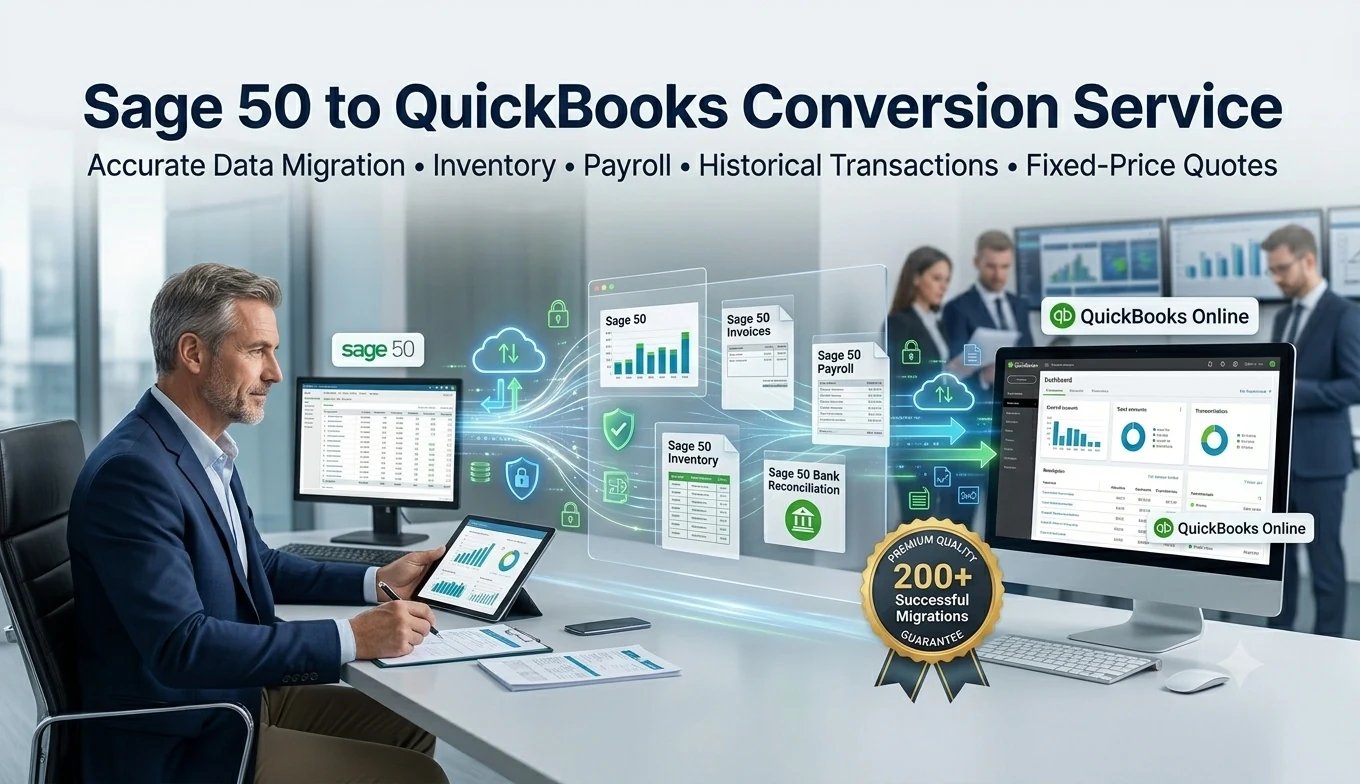
Sage 50 to QuickBooks Conversion
Every business reaches a point where the tools that once worked perfectly start feeling like a bottleneck. For many companies still running Sage 50, that moment arrives when they need better remote access, deeper integrations, or simply a system their accountant is more comfortable working in. A Sage 50 to QuickBooks conversion addresses all of these needs at once, but pulling it off successfully takes more than flipping a switch—it takes a clear plan and an understanding of exactly what's involved.
The Motivation Behind the Move
Businesses rarely abandon a system they've used for years without good reason. With Sage 50, the most common complaints center around its desktop-first design, which makes remote collaboration clunky at best. Add to that a shrinking pool of bookkeepers who specialize in Sage 50, along with QuickBooks' far more extensive library of third-party integrations, and the case for switching becomes hard to ignore. Business owners also frequently mention QuickBooks' cleaner reporting tools and smoother payroll integration as deciding factors once they start comparing the two platforms side by side.
The Core Data That Has to Move Correctly
A conversion is only as good as the accuracy of the data behind it. The essential pieces that need careful handling include:
- Chart of accounts – restructured to match QuickBooks' account categories
- Customer and vendor records – complete with balances, terms, and contact history
- Open invoices and unpaid bills – so receivables and payables remain accurate
- Historical transactions – sales, expenses, and journal entries spanning however many years you need
- Inventory data – quantities, item details, and costing methods preserved correctly
- Bank and credit card reconciliation records – so your starting balances in QuickBooks are trustworthy
Sage 50 and QuickBooks don't store this information in the same underlying structure, which is why most businesses lean on specialized conversion tools or an experienced professional rather than attempting a manual transfer.
How a Typical Conversion Unfolds
The process generally follows a consistent sequence, regardless of business size:
- Auditing the existing file to catch errors, duplicates, or outdated entries before they get carried into QuickBooks.
- Creating a verified backup of the Sage 50 company file as a safety net.
- Mapping the chart of accounts so every category has a clear QuickBooks equivalent.
- Migrating the data, moving transaction history, lists, and balances into the new system.
- Reconciling balances between both platforms until every number matches exactly.
- Running a short trial period in QuickBooks while keeping Sage 50 available for reference.
Smaller, cleaner files can often be converted within a week, while businesses with years of inventory history or multiple locations should plan for a longer timeline.
Obstacles Worth Preparing For
A handful of challenges show up often enough to be worth anticipating:
- Inventory costing methods may not align perfectly, creating valuation differences that need manual review.
- Custom Sage 50 reports typically don't transfer and have to be rebuilt inside QuickBooks.
- Some conversion tools cap historical data, limiting how many years of transactions can move at once.
- Multi-location or multi-currency setups often require extra configuration to keep everything accurate post-conversion.
Practical Advice for a Smoother Transition
A few smart decisions upfront can make the entire process considerably less stressful:
- Time the switch strategically, ideally at the start of a new month or fiscal quarter.
- Keep Sage 50 active until you're certain your QuickBooks data is fully verified.
- Train your staff ahead of time so the transition doesn't disrupt daily operations.
- Bring in a professional who has handled Sage 50 conversions before.
- Run parallel reports in both systems to confirm everything matches before fully switching over.
Final Thoughts
A Sage 50 to QuickBooks conversion is ultimately about positioning your business for more flexibility and long-term growth. It requires patience, careful data mapping, and a willingness to double-check every detail, but the result is a cloud-friendly system that's easier to access, integrate, and scale. With the right preparation, you can move your full financial history into QuickBooks confidently and without unnecessary setbacks.

 English
 Arabic
 French
 Portuguese
 Deutsch
 Turkish
 Dutch
Dutch
 Italiano
 Russian
 Romaian
 Portuguese (Brazil)
 Greek
Greek