


Laser Engraving 101: A Beginner's Guide to Getting Started
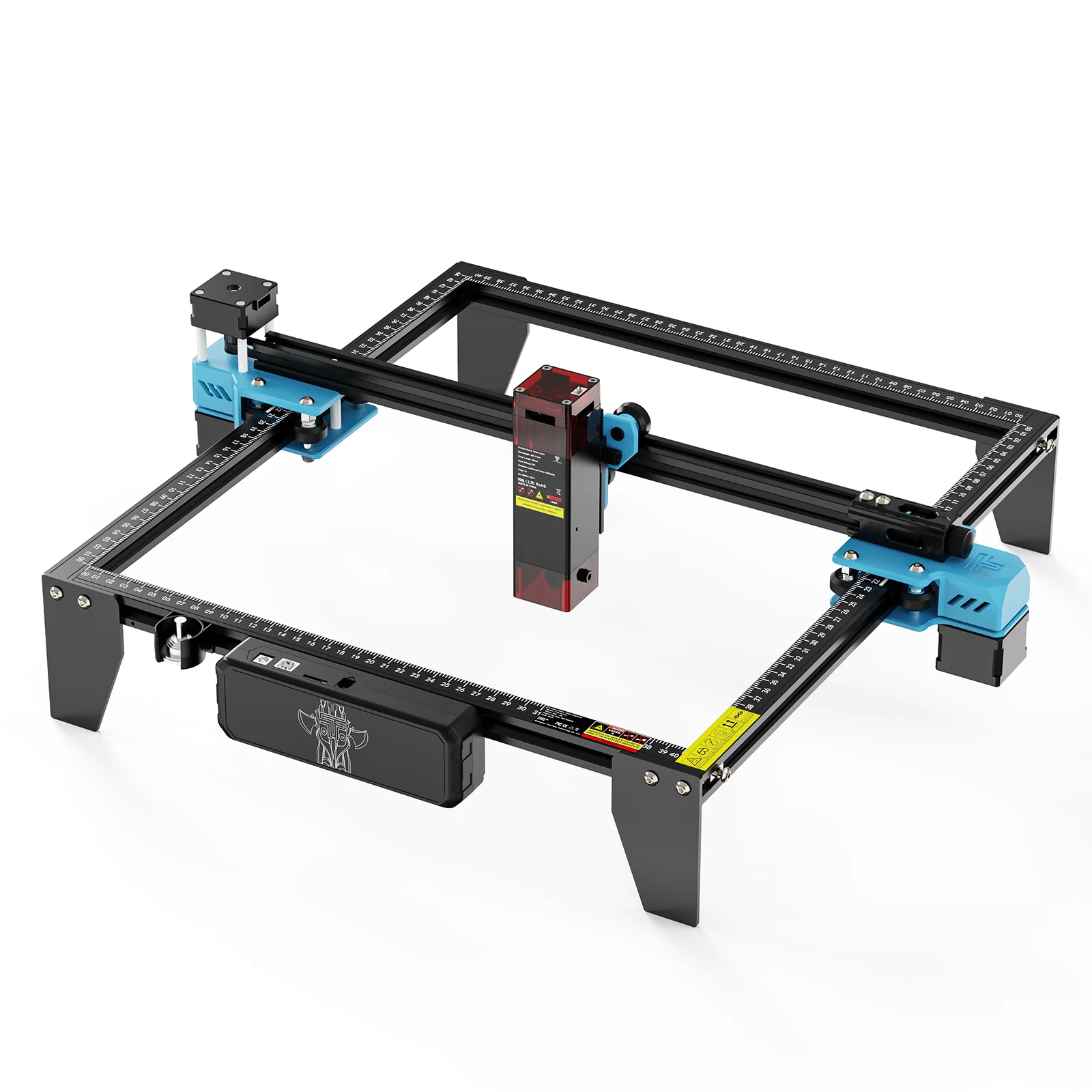
Laser engraving has become one of the most accessible entry points into digital fabrication, thanks to machines that are smaller, more affordable, and easier to operate than they were even a few years ago. For beginners, understanding the fundamentals before buying equipment can save significant time, money, and frustration.
At its core, laser engraving works by using a focused beam of light to remove or alter material on a surface, creating precise designs, text, or images. Unlike laser cutting, which slices completely through material, engraving only affects the surface layer, making it ideal for personalized gifts, signage, decorative panels, and branding on products like wood, leather, and certain plastics.
The first major decision for beginners is choosing between diode lasers and CO2 lasers. Diode lasers are generally more affordable, compact, and beginner-friendly, making them a popular starting point for hobbyists working with wood, cardboard, and other softer materials. CO2 lasers, while typically more expensive, offer greater power and versatility across a wider range of materials, including certain plastics and glass. When comparing entry-level machines, browsing a dedicated collection of desktop laser cutters can help clarify the practical differences between power levels and working areas before committing to a purchase.
Material selection matters just as much as machine choice. Not every surface engraves cleanly, and some materials — like certain treated woods or specific plastics — release harmful fumes when lasered. Beginners should always research material safety data before testing a new surface, and proper ventilation is non-negotiable regardless of machine size.
Software is the other half of the equation. Most laser engravers pair with dedicated control software that converts a design file into a path the laser follows. Beginners typically start with simpler drag-and-drop tools before graduating to more advanced vector design software as their projects become more complex. Test cuts on scrap material are essential; laser power, speed, and focus height all affect the final result, and small adjustments can dramatically change engraving depth and clarity. It's worth visiting TwoTrees's official store directly to compare current specifications before making a final decision.
Safety deserves special attention. Laser engravers use enclosed or semi-enclosed beams that can cause eye damage or fires if mishandled. Beginners should never operate a machine unsupervised, should keep a fire extinguisher nearby, and should always use proper eye protection when the enclosure is open.
Finally, patience matters more than perfection early on. Most beginners' first several projects involve some trial and error — a slightly too-dark engraving, a design that shifted during the burn, or settings that didn't quite match the material. These mistakes are a normal part of the learning curve, not a sign the equipment or the maker is doing something wrong.
With the right machine, safe practices, and a willingness to experiment on scrap material first, laser engraving offers one of the most rewarding entry points into home fabrication.
Practicing on inexpensive scrap material before committing to a final piece remains one of the most reliable habits separating confident beginners from frustrated ones. A few minutes of test engraving reveals far more about real-world settings than reading specifications alone ever can.
FAQ
Q: What materials are safe to laser engrave as a beginner? A: Untreated wood, certain acrylics, leather, and cardboard are generally beginner-safe. Always verify material safety data before engraving anything new.
Q: Is a diode laser good enough for beginners? A: Yes, diode lasers are typically the best starting point due to their affordability and ease of use for common hobby materials.
Q: Do I need design experience to start laser engraving? A: No, many entry-level software tools offer simple drag-and-drop design options, though basic vector design skills will expand what you can create.
Q: How important is ventilation for laser engraving? A: Extremely important. Proper airflow or an exhaust system is necessary to safely clear fumes and particulates produced during engraving.
Q: How many test pieces should I expect to make before a final project? A: It varies by project complexity, but budgeting at least one or two scrap test runs for new settings is a reasonable standard practice.

 English
 Arabic
 French
 Spanish
 Portuguese
 Deutsch
 Turkish
 Dutch
Dutch
 Italiano
 Romaian
 Portuguese (Brazil)
 Greek
Greek