In today’s digital-first world, knowing how to access RTO Ghaziabad (UP14) services online can save you significant time, effort, and paperwork. Whether you want to apply for a driving licence, check vehicle registration details, or pay challans, the online system has made Regional Transport Office services more accessible than ever. This guide provides a complete, step-by-step breakdown to help you navigate the process efficiently and avoid common mistakes.
Overview of RTO Ghaziabad
The RTO Ghaziabad operates under the Ministry of Road Transport and Highways and manages vehicle registration, licensing, permits, and other transport-related services in the Ghaziabad region. With digitization, most of these services are now available online through official government platforms, reducing the need for physical visits.
Key Online Services Available
You can access multiple services online without visiting the RTO office. Some of the most commonly used services include:
- Driving Licence application (new/renewal)
- Vehicle registration and transfer
- Duplicate RC and DL issuance
- Vehicle fitness certificate
- Road tax payment
- E-challan status and payment
- Permit applications
These services are primarily offered through platforms like Parivahan Sewa and mParivahan.
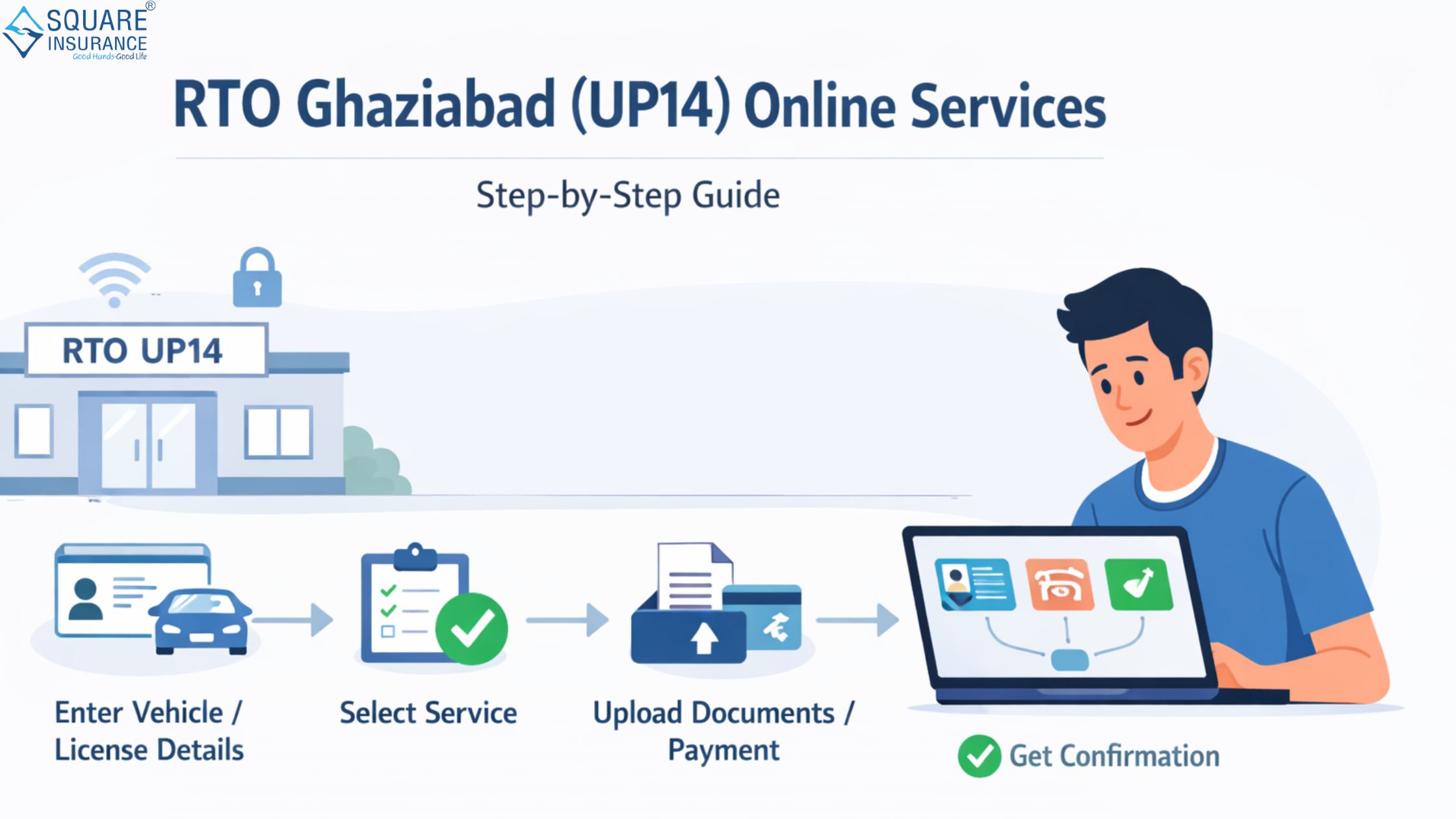
Step-by-Step Guide to Access RTO Ghaziabad Services Online
Step 1: Visit the Official Portal
Start by visiting the official portal Parivahan Sewa. This centralized platform provides access to all RTO services across India, including UP14 Ghaziabad.
Step 2: Select Uttar Pradesh and RTO Ghaziabad
- Navigate to “Online Services”
- Select “Uttar Pradesh” as your state
- Choose RTO code “UP14” (Ghaziabad)
This ensures you are accessing services specific to your region.
Step 3: Choose the Required Service
Depending on your need, select the appropriate option:
- Driving Licence services
- Vehicle-related services
- E-challan services
Each section contains multiple sub-services like application forms, status tracking, and fee payments.
Step 4: Fill Out the Application Form
Enter accurate personal and vehicle details such as:
- Name and address
- Aadhaar or ID proof
- Vehicle registration number (if applicable)
Double-check all entries to avoid delays or rejection.
Step 5: Upload Required Documents
Upload scanned copies of necessary documents, including:
- Identity proof (Aadhaar, PAN)
- Address proof
- Age proof
- Vehicle documents (RC, insurance, PUC)
Ensure that all documents are clear and meet the specified format requirements.
Step 6: Pay the Applicable Fees
Make online payments through:
- Debit/credit cards
- Net banking
- UPI
The portal generates a receipt after successful payment, which you should save for future reference.
Step 7: Book Appointment (If Required)
For services like driving tests or biometric verification, you may need to book an appointment at the RTO office.
Step 8: Track Application Status
You can track your application status online using:
- Application number
- Vehicle number
- Driving licence number
This helps you stay updated without visiting the office.
Benefits of Accessing RTO Services Online
Using digital platforms for RTO services offers several advantages:
1. Time-Saving
No long queues or multiple visits to the RTO office.
2. Transparency
Track your application and payments easily.
3. Convenience
Access services anytime, anywhere.
4. Reduced Paperwork
Upload documents digitally instead of carrying physical copies.
Common Mistakes to Avoid
While using online RTO services, people often make avoidable errors:
- Entering incorrect personal or vehicle details
- Uploading unclear or invalid documents
- Missing appointment slots
- Not saving payment receipts
Avoiding these mistakes can help ensure a smooth process.
Tips for a Hassle-Free Experience
- Keep all documents ready before starting the application
- Use a stable internet connection
- Double-check details before submission
- Take screenshots or download receipts
Role of Mobile Apps in RTO Services
Mobile applications like mParivahan provide easy access to:
- Digital driving licence
- RC details
- Challan status
These apps are especially useful for quick verification and on-the-go access.
Frequently Asked Questions (FAQs)
Q1. Can I apply for a driving licence online in Ghaziabad?
Yes, you can apply through Parivahan Sewa. However, you may need to visit the RTO for a driving test.
Q2. How can I check my vehicle registration status?
You can check it online using your vehicle number via the Parivahan portal or mParivahan.
Q3. Is it mandatory to visit RTO Ghaziabad for all services?
No, many services are fully online. Physical visits are required only for specific processes like tests or verification.
Q4. How do I pay challans online in Ghaziabad?
You can pay e-challans through the Parivahan portal using your vehicle or challan number.
Q5. What documents are required for online RTO services?
Basic documents include identity proof, address proof, and relevant vehicle or licence documents.
Conclusion
Understanding how to access RTO Ghaziabad (UP14) services online empowers vehicle owners and drivers to manage essential transport-related tasks efficiently. With platforms like Parivahan and mParivahan, the government has simplified processes that once required multiple office visits. By following the correct steps and avoiding common mistakes, you can complete most RTO tasks from the comfort of your home.
For individuals looking to streamline their vehicle-related documentation and insurance needs, Square Insurance offers reliable support and simplified policy management solutions.
Please Note: Manage your policies easily with Square Insurance POS Apps on Google Play – access your insurance services online anytime, anywhere.




 English
 Arabic
 French
 Spanish
 Portuguese
 Deutsch
 Dutch
Dutch
 Italiano
 Russian
 Romaian
 Portuguese (Brazil)
 Greek
Greek