Paying insurance premiums on time is very important to keep a policy active and continue its benefits. In earlier days, this usually meant visiting a branch office or meeting an agent. But now, things have become much simpler. Even if you don’t have a registered account, you can still Pay LIC Premium Online Without Login in a few easy steps.
This option is helpful for those who prefer quick payments without going through the process of registration or login. Let’s understand the complete step-by-step process in simple and clear language.
Why Pay Without an Account?
Not everyone wants to create and manage an online account. Some people may need to make a quick payment, while others may not be comfortable with registration steps.
Paying without an account gives you:
- Quick access to payment
- No need to remember login details
- A simple and direct process
It is a convenient option, especially for occasional users.
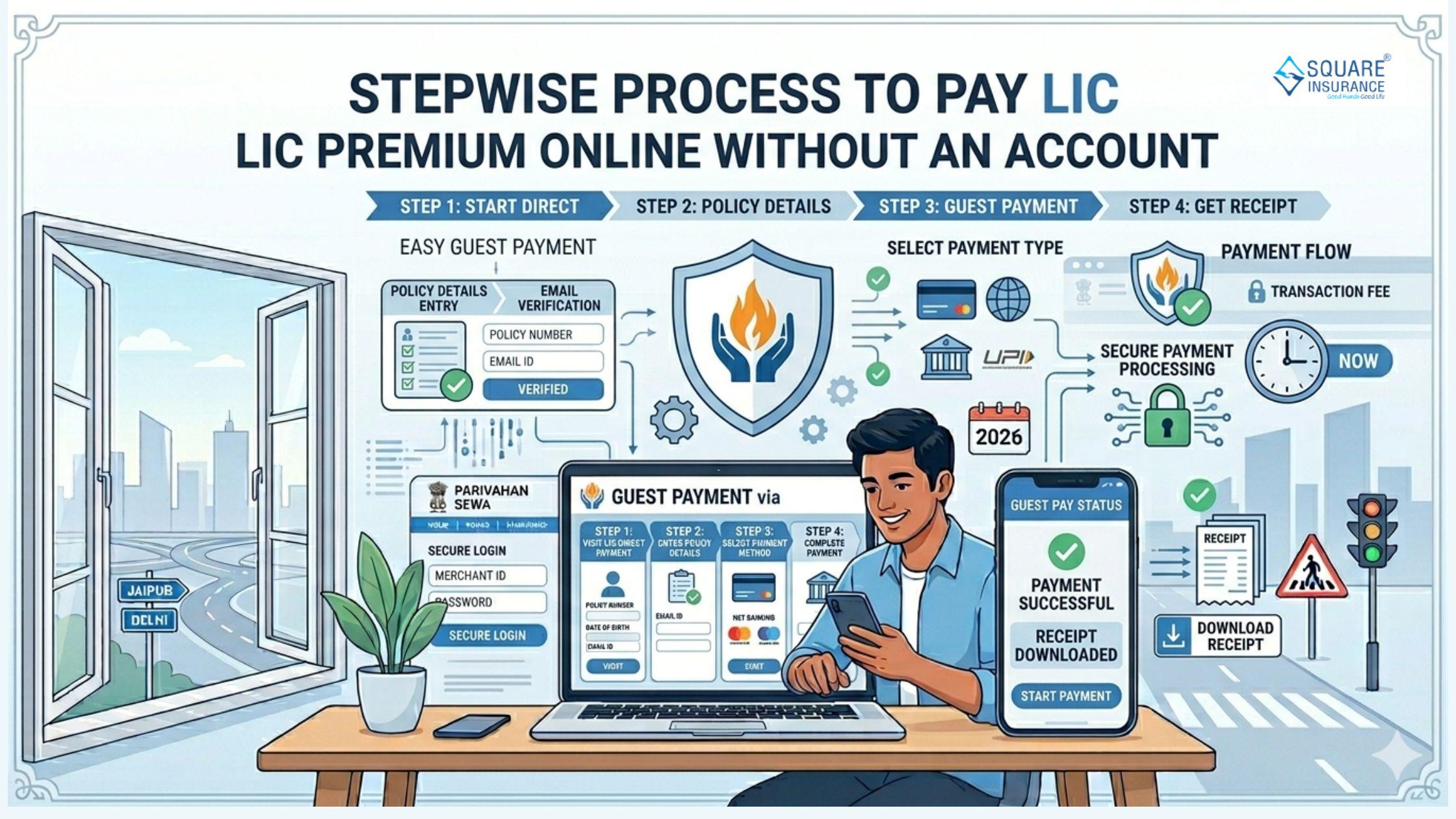
Step 1: Visit the Official Payment Page
Start by opening the official LIC website on your mobile phone or computer. Look for the option related to premium payment.
There is usually a section that allows users to pay premiums without logging in. This is often labeled as a “pay directly” or “pay without registration” option.
Click on that option to begin.
Step 2: Enter Policy Details
Once you select the payment option, you will be asked to enter some basic details related to your policy.
These may include:
- Policy number
- Date of birth (as per policy)
- Email ID or mobile number
Make sure the information is entered correctly. Even a small mistake can cause issues in fetching your policy details.
Step 3: Verify Policy Information
After entering the details, the system will display your policy information. This step helps you confirm that you are making the payment for the correct policy.
Check the following:
- Policyholder name
- Premium amount
- Due date
If everything looks correct, you can move to the next step.
Step 4: Select Payment Amount
In most cases, the system will automatically show the premium amount due. Sometimes, you may have the option to select the amount if multiple premiums are pending.
Choose the correct amount carefully to avoid any confusion later.
Step 5: Choose Payment Method
Next, you will be asked to select a payment method. Different options are usually available, such as:
- Debit card
- Credit card
- Net banking
- Other digital payment methods
Select the option you are comfortable with and proceed.
Step 6: Complete the Payment
After selecting the payment method, you will be redirected to a secure payment page. Enter the required details, such as card information or banking credentials.
Follow the instructions carefully and complete the payment. You may also need to verify the transaction using an OTP sent to your registered mobile number.
Step 7: Confirmation and Receipt
Once the payment is successful, you will receive a confirmation message on the screen. This confirms that your premium has been paid.
You can also:
- Download the payment receipt
- Take a screenshot for your records
- Check your email for a confirmation message
It is always a good idea to keep a copy of the receipt for future reference.
Important Tips to Keep in Mind
While the process is simple, a few precautions can make it even smoother:
- Double-check your policy number before proceeding
- Use a secure internet connection while making payments
- Avoid sharing your payment details with anyone
- Save or download the receipt after payment
These small steps help ensure a safe and hassle-free experience.
Benefits of This Method
Paying LIC premiums without an account offers several advantages:
- Quick Process: No need to register or log in
- Convenience: Pay anytime from anywhere
- User-Friendly: Simple steps that are easy to follow
- Time-Saving: No need to visit offices or wait in queues
It is a practical option for people who want a fast and direct way to make payments.
Conclusion
Paying your LIC premium online without an account is a simple and convenient option that saves both time and effort. The process is straightforward and can be completed in just a few minutes if you have the required details ready.
By following the step-by-step method carefully, you can ensure that your payment is completed smoothly and your policy remains active without any interruption.
In today’s digital world, such options make managing financial responsibilities much easier and more comfortable for everyone.




 English
 Arabic
 French
 Spanish
 Portuguese
 Deutsch
 Dutch
Dutch
 Italiano
 Russian
 Romaian
 Portuguese (Brazil)
 Greek
Greek